
Essential Program for Beginners
Start: October 13
Duration: 4 weeks
Стажировка на коммерческом проекте в США
Мы учим владеть AI инструментами. Именно таких специалистов ищут компании.
Помогаем составить резюме и тренируем прохождение собеседований.
Стажировка на реальных проектах в команде.
Где работают наши выпускники
В этих известных компаниях наши студенты работают на фултайм и контракте. А также огромное количество выпускников трудится в сотнях других компаний по всему миру.

Reviews from Essential Program for Beginners course graduates
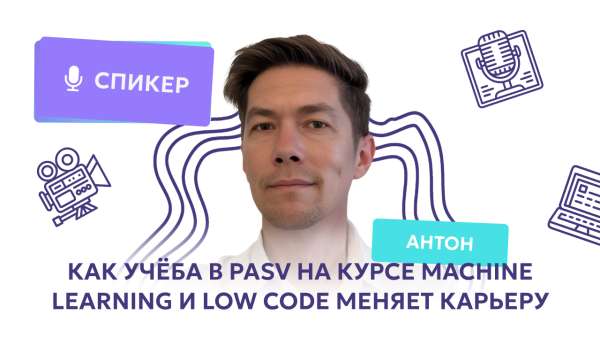
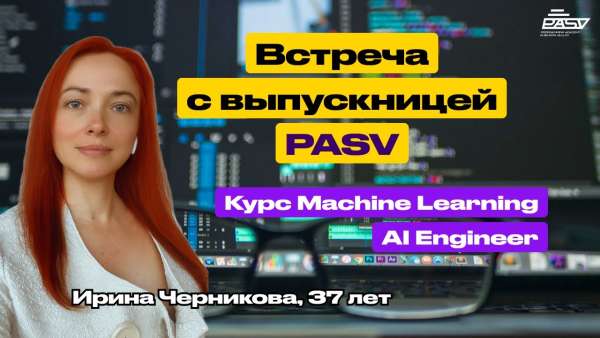
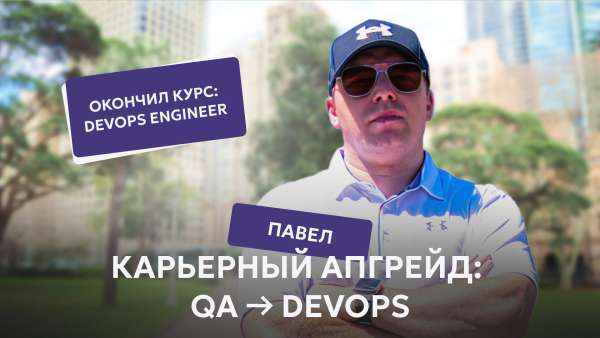
Students start going through interviews while still taking the course. All our students who start job searching get employed within 1-2 months of searching.





О профессии
PASV IT School offers a preparatory program for those who want to learn essential fundamentals and choose the right path for further development.In a short time, you will start programming, testing, working with the command line, understanding databases, and using Git.
Что вы получите по окончании
- Intensive Course for IT Beginners – A new module and lessons every week!
- Explore All Popular IT Fields – Learn the basics of programming and IT to discover what suits you best.
- Hands-on Learning – Not just theory! Real-world tasks help you experience different areas and choose your future career path.
- Expert Instructors – Learn from professionals in each field, ready to share their knowledge and experience.
- Smart Investment – If you decide to continue with a professional course, the amount spent on this program will be deducted from your tuition.
Кому подойдет этот курс
Career Changers and Professionals from Other Fields For anyone looking to switch careers, retrain, or expand their IT knowledge, this is a great opportunity to explore different areas and find what appeals to you the most.
Students and Graduates For those just starting out in the IT industry, this program will help you explore various fields and choose the most interesting direction for further study and development.
Curious Enthusiasts This program is perfect for anyone simply interested in the world of technology, who wants to understand how the IT industry works and see it from the inside.
Программа курса
Module 1: HTML, CSS – Web Page Structure
— What is HTML & CSS
— DevTools tools
— Network tab, Network Waterfall
— WebStorm setup
— Basic tags
— Working with images and links
— Working with tables and forms
— CSS syntax
— Ways to connect CSS
— CSS examples: id, class, selectors, properties
— DevTools tools
— Network tab, Network Waterfall
— WebStorm setup
— Basic tags
— Working with images and links
— Working with tables and forms
— CSS syntax
— Ways to connect CSS
— CSS examples: id, class, selectors, properties
Module 2: Introduction to JavaScript Programming Language
— Functions
— Variables
— Logical operators, branching, comparison
— Strings
— Objects
— Arrays
— Loops
— Using loops with numbers
— Using loops with strings
— Using loops with arrays
— Using loops with objects
— Nested loops
— Mathematical operations
— Recursion
— Variables
— Logical operators, branching, comparison
— Strings
— Objects
— Arrays
— Loops
— Using loops with numbers
— Using loops with strings
— Using loops with arrays
— Using loops with objects
— Nested loops
— Mathematical operations
— Recursion
Module 3: QA Manual – Basics of Testing. UI/UX Design Lessons
— What is testing
— Testing goals – part 1
— Testing goals – part 2
— Testing and debugging
— Quality Assurance & Quality Control
— Verification & Validation
— Tester psychology
— Seven principles of testing
— Testing lifecycle
Introduction to UI/UX Design.
— Testing goals – part 1
— Testing goals – part 2
— Testing and debugging
— Quality Assurance & Quality Control
— Verification & Validation
— Tester psychology
— Seven principles of testing
— Testing lifecycle
Introduction to UI/UX Design.
Module 4: Git and GitHub – Collaborative Coding. DevOps Lessons
— Installing Git
— Setting up the environment and getting to know the command line
— Working with branches
— GitHub new repo and Remotes
— Push to GitHub
— GitHub Pull Request
— Resolving conflicts in GitHub
Introduction to DevOps.
— Setting up the environment and getting to know the command line
— Working with branches
— GitHub new repo and Remotes
— Push to GitHub
— GitHub Pull Request
— Resolving conflicts in GitHub
Introduction to DevOps.